

DINKI·惦记
English ⌄
简体中文English日本語FrançaisDeutschEspañolPortuguês (Brasil)ไทย

DINKI BUILD JOURNAL / 001

Making room for what matters.

How does a suggestion become a feature? How does a small problem get properly fixed? This is the story of DINKI's journey from 1.0 to 1.1.1.

Explore the changes ↗
Yaya
1.0 → 1.1.1BUILD 165
01 /

Seven ways to make your records more complete

Start with what changed, then explore the reasons behind it. Purchase and charging changes are listed separately under improvements and fixes.

01

Keep your history going

Keep the things you recorded with the same account during testing.

Explore the process +

The original problem

Someone could move from the test version to the production version and find that their earlier records were missing.

Our approach

Verify historical data for the same account, show a cloud preview and differences, and ask before merging. Test purchase benefits remain separate from production benefits.

The experience now

The user confirmed that synced historical data remained after reopening the app. Cross-device recovery still needs verification before public release; data from every test environment cannot be migrated unconditionally.


02

Talk through pictures with Yaya

Look at several pictures together, then decide what to record.

Explore the process +

The original problem

Photos contain things worth remembering, but typing everything out is tedious. An unclear date should not be silently turned into a definite one.

Our approach

Support multiple pictures, individual removal, and follow-up questions that use the conversation context. Extract possible details first, then confirm whether to save a little moment or an important date. Dates such as “the end of the month” prompt clarification.

The experience now

An important date can be saved directly once the details are clear. Text, voice, and pictures share the same chat flow; you can also stop and send while recording.

03

A little moment can become an important date

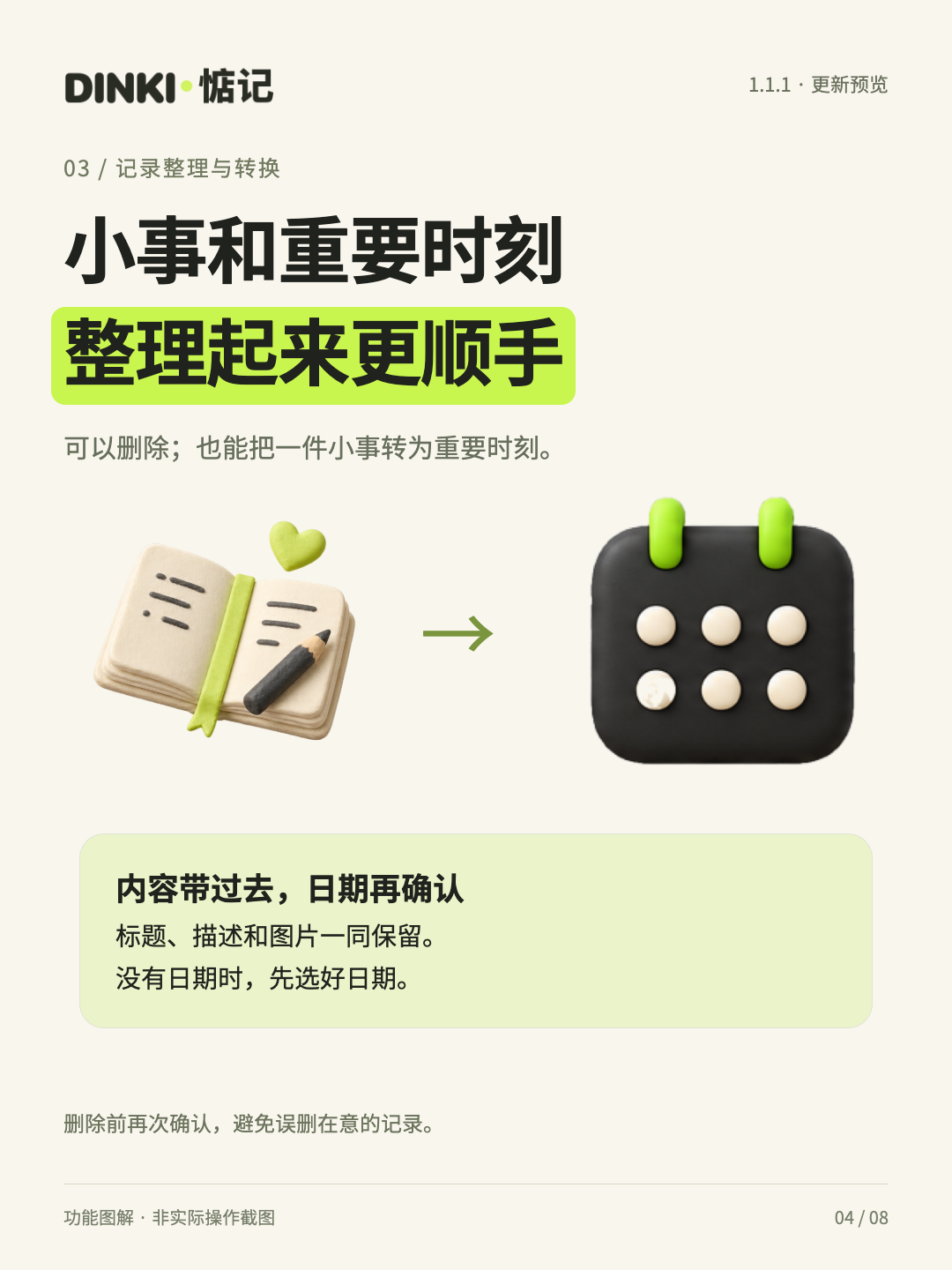
A quick note can turn into a day you want to prepare for.

Explore the process +

The original problem

Realizing later that a note needs a reminder should not mean copying it all again. Converting it should not leave a blank screen behind.

Our approach

Carry over the title, description, existing date, and photos when converting. Ask for a date if one is missing. Once saved, close the conversion and original record screens.

The experience now

Both little moments and important dates can be deleted, with an explicit confirmation first. The user has verified saving and returning after conversion.

04

Photos fill in the details

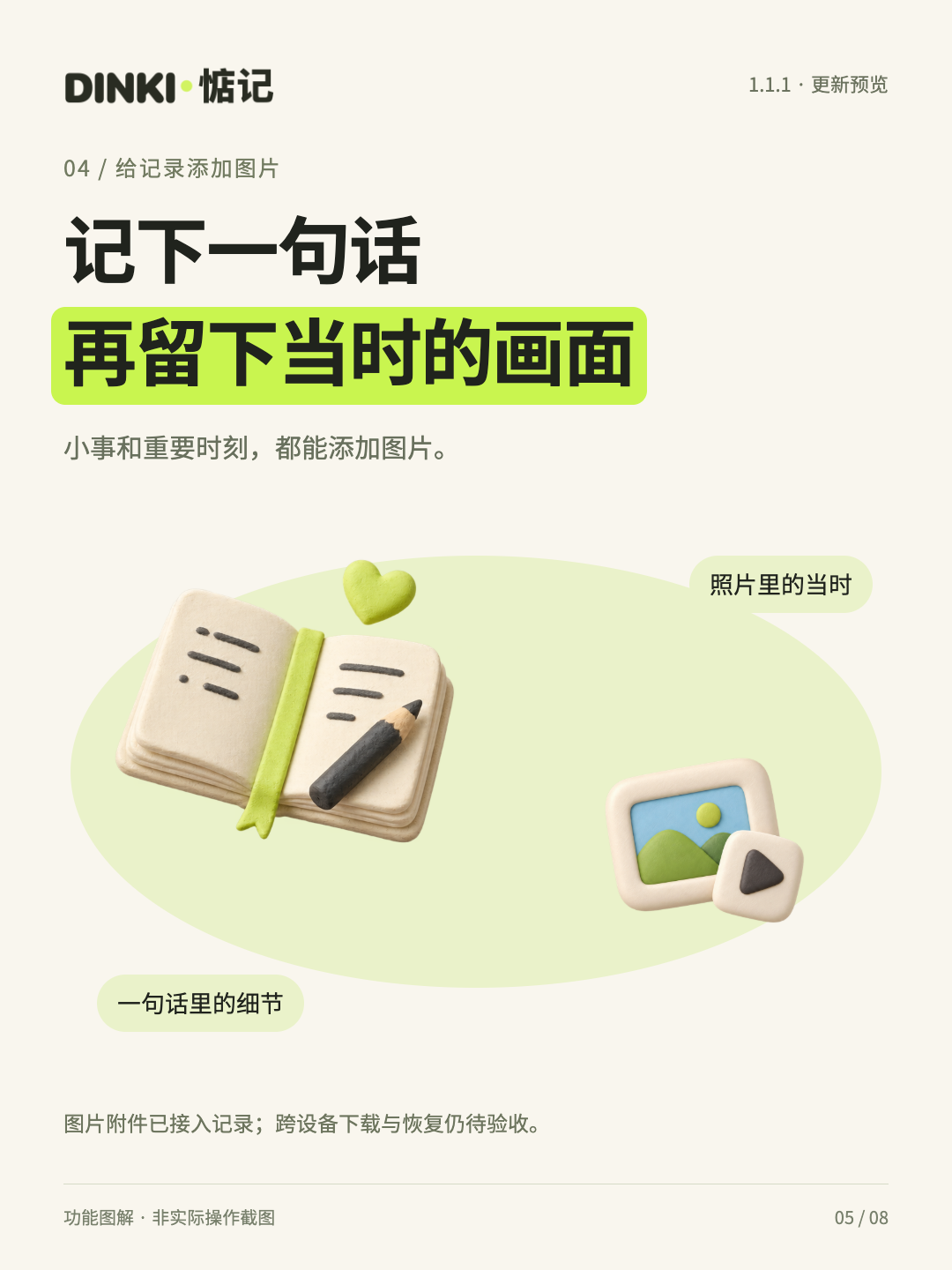
Choose from your library or take a picture.

Explore the process +

The original problem

Sometimes a sentence is not enough. A photo preserves details that words leave out.

Our approach

Add photo attachments to little moments and important dates, with both photo library and camera options. Suggested by @小菠萝.

The experience now

Photos are saved with the record and included in the data sync and backup flow. Attachment recovery across devices still needs verification. The issue where a photo is not immediately shown on the AI-organized completion screen is scheduled for a later fix.

05

Cats and dogs belong in DINKI too

Understand who is in the picture before designing the movement.

Explore the process +

The original problem

Pets should not be forced into a person's standing pose. A group photo should not leave everyone but one person still.

Our approach

Distinguish people, pets, and mixed scenes. Use their poses to create three motion prompts, with presets when recognition is unavailable. The built-in library separates people and pets. Suggested by @ddcat.

The experience now

Cats and dogs can use suitable poses and gentle movements. Generated results still need to be checked; we do not promise that every result will exactly match expectations.

06

A home for your suggestions

Developer Yaya listens; acknowledgments remember the contributions we adopt.

Explore the process +

The original problem

Feedback was scattered across conversations, and users could not tell whether their suggestions were ever adopted.

Our approach

Give feedback and acknowledgments their own card at the bottom of “My,” keeping the rest of the layout. Feedback supports pictures and voice. Acknowledgments are grouped by version, with the latest expanded.

The experience now

Each account can support a suggestion once, with duplicate prevention on the server. Feedback goes to the developer dashboard. Membership and Sunlight rewards remain a plan with rules still to be defined; automatic rewards are not promised.

07

Use the language you know best

DINKI supports ten languages. The website is catching up too.

Explore the process +

The original problem

Copy, dates, buttons, and longer sentences need more than word-for-word substitution across languages.

Our approach

The app offers Simplified Chinese, English, Japanese, Korean, French, German, Spanish, Brazilian Portuguese, Russian, and Thai. The website offers content in the same ten languages.

The experience now

Preserve the brand and the meaning of each action, and check missing characters, fallback text, and long-text layouts. Completed translations do not mean every language has been reviewed by a native speaker.

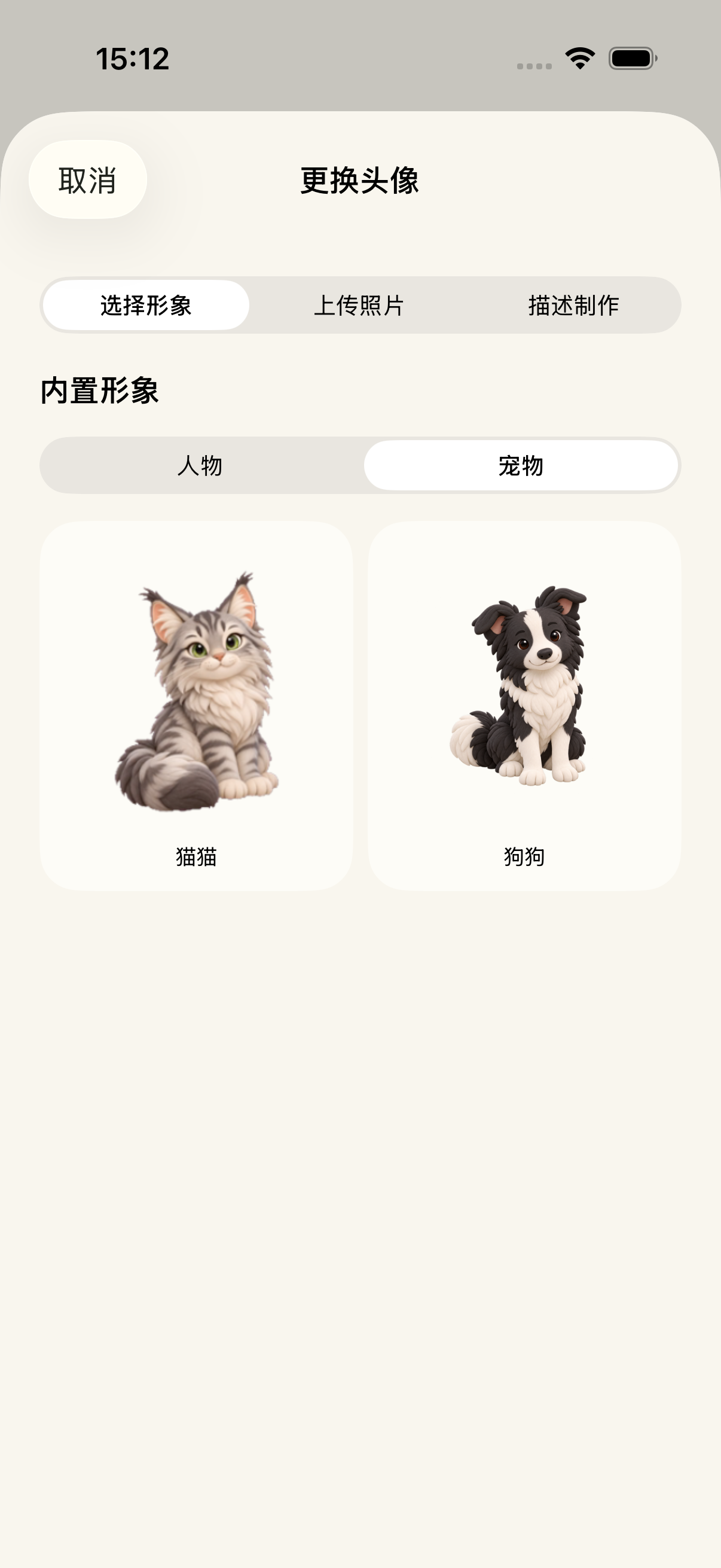
Character picker example · build 156 screenshot showing People and Pets ↗
Character picker example · build 156 screenshot showing People and Pets
02 /

The small things we kept refining

Beyond new features, much of the work went into making everyday actions feel right. The items below are grouped by problem, rather than counting repeated commits as new features.

01Purchases and balances+

Fetch product prices at launch and retain loaded prices when opening a page. A failed product request no longer blocks other products. Show “Processing” in the purchase button, then refresh membership and Sunlight after verification, preventing older responses from replacing a newer balance.

02Production and test purchases+

Keep using production accounts and personal records while Apple simulated purchases use separate test benefits. Fix compatibility with ownership of older test subscriptions, avoiding endless confirmation after purchase. Real App Store membership and Sunlight purchases have been checked for crediting and persistence after reopening; the full renewal and refund lifecycle still needs verification.

03Sign-in and launch+

Restore the sign-in session so reopening later does not unnecessarily ask for sign-in again. Avoid showing an empty home screen before local data is ready. Remember the last person viewed and return to their character at launch.

04Photos and characters+

Fix blank built-in character thumbnails, unresponsive avatar crop completion, and state checks that blocked photo-based generation. Dynamic list previews use lightweight transparent frame atlases so all visible cards can animate.

05Sync and backups+

Persist merged data locally and update the interface. On first sign-in, show differences in cloud data without repeatedly reopening the preview. Sync at necessary points such as data changes or manual requests, and improve the historical backup restore flow.

06Chat and feedback+

Allow scrolling after three lines of input and right-align user pictures. Developer Yaya places a sent message in the conversation immediately and offers retries on failure. Fix literal bold-markup asterisks, feedback-reading errors, and the missing voice entry point.

07Dialogs and returning+

Use consistent centered dialogs with a title, explanation, and buttons, and refine the lime theme. Remove the unnecessary retrospective prompt card. Fix blank screens and lingering “Record removed” screens after converting a little moment into an important date.

08Charging and activities+

Enter charging companionship only when settings and benefits allow it, the phone is charging, and it is in landscape. Return easily by rotating to portrait. Improve the display of completed occurrences, the location of delete actions, and delete confirmations.

09Privacy wording+

Build 165 changes wording only: remove the promise of a screen entry that does not exist, while preserving first-use AI consent, local records after declining, and instructions for requesting withdrawal through the contact channel.

03 /

How the pieces work

Real problems encountered during development, explained through implementation ideas without exposing accounts, transactions, private keys, or internal interfaces.

FIELD NOTES / 01

Why is there still a white rectangle after background removal?

White pixels and transparent pixels are different things.

Explore the process ↗

Painting a background white or saving a picture as PNG does not automatically make it transparent. Transparency needs an alpha channel that specifies how much of each pixel should be visible.

DINKI's still images use subject segmentation and mask processing. The model predicts a subject transparency mask while preserving the original colors. The transparent background and subject edges must be checked to protect details such as white clothing and highlights, including checks against dark, lime, and paper-colored backgrounds.

Motion assets use a separate video transparency pipeline: color frames and a transparency mask are packed into a regular video, then split and composited by the player. Playing this asset in a standard video control may reveal color blocks or the mask. Changing the view's background color cannot fix that.

The switch below only shows an existing transparent asset against different backgrounds. It does not upload or reprocess your photos in the browser.

FIELD NOTES / 02

Why did only the first two cards move?

List previews and full-size video serve different purposes.

Explore the process ↗

To control memory use, the early approach limited how many videos could play at once. That reduced load but left later visible cards permanently still.

The list now uses transparent frame atlases generated from motion videos: 18 frames per preview and a 32 MiB cache budget. All visible cards animate, pause during scrolling, and stop when offscreen. The result resembles a GIF, but it is a frame atlas with transparency.

Opening a character or playing a full motion still uses the video asset. The list no longer needs a resident video decoder for every card, and the original generated video is not replaced with a low-resolution preview.

The system's Reduce Motion preference still needs to be respected. Smoothness must be measured on real devices under the same workload; an implementation choice alone cannot establish a performance gain.

FIELD NOTES / 03

Why did converting a note to a date leave a blank screen?

The data changed while the screen was still waiting for the old record.

Explore the process ↗

Conversion creates an important date and removes the original little moment. If both the detail screen and editor sheet depend on that record, deleting it leaves the underlying screen with nothing to show.

The fix gives the editor a stable draft snapshot. Save first, then let the parent handle completion and dismiss the conversion and detail screens through dismissal callbacks. Canceling or failing to save still preserves the input.

This is more reliable than calling dismiss twice from an arbitrary place. Each screen manages its own presentation state, and a successful conversion returns to a view that is still valid.

Centered confirmation dialogs reuse the app's shared component, retaining a title, explanation, and explicit actions instead of building a different prompt on each screen.

FIELD NOTES / 04

Apple says the purchase succeeded. Why has the balance not changed?

The payment callback, verification, crediting, and UI refresh form one complete flow.

Explore the process ↗

An Apple callback means the transaction has a result. The server must still verify the order and its ownership and prevent duplicate crediting. Changing only the displayed number would make the balance disagree with the ledger.

This update reconnects confirmed wallet and membership refreshes to the client and prevents earlier queries from overwriting newer credited results. The interface keeps progress inside the purchase button, so users normally do not need to understand “purchase syncing.”

Simulated and real orders use separate ledgers. Restoring a backup cannot change a purchase balance. During network failures, pending transactions are retained and retried instead of asking users to buy repeatedly just to receive their purchase.

Real App Store monthly membership and Sunlight purchases have been checked for crediting, membership status, and persistence after reopening. Full real refund and renewal flows remain on the pre-release verification list.

Transparent is not white: try another background

White pixels and transparent pixels are different things.

Transparent is not white: try another background
Existing DINKI transparent character asset
04 /

How this version took shape

  1. 144–147

    Ten languages, historical data, and launch loading

    Fill in post-1.0 data continuity, price prefetching, and core interactions.

  2. 148–152

    Make recording and chatting easier

    Improve balance refreshes, photos and the camera, multi-image understanding, direct saving of important dates, and animated list previews.

  3. 153–156

    Turn suggestions into product changes

    Add acknowledgments and support, pets and group motion, Developer Yaya, and update previews.

  4. 157–160

    Test against production services

    Check the release list, fix conversion returns, feedback chat, sign-in, and Sunlight queries, and verify historical data continuity.

  5. 161–164

    Complete the purchase flow

    Use production records with separate simulated benefits; fix older subscription ownership, balance updates, and landscape charging.

  6. 165

    Align wording with actual behavior

    Correct privacy wording only, retain accepted features, and submit to Apple after TestFlight confirmation.

DINKI, recorded ↗

05 /

Build the product. Record its story.

Keep the origins and stages of promotional images, brand films, and storyboards clear. Early visuals are not presented as recordings of the final version.

Preview posters from build 156. Counts and status reflect that stage; see the build 165 record on this page for the final status.

30-second brand story · Early concepts and illustrative interfaces, using the existing website film
Character motion example · Existing built-in asset, not a promise of every generated result

Some existing media contains Chinese. Original films are preserved; this does not mean videos have been made in all ten languages.

The 90-second 1.1.1 promotional video currently has a storyboard only, with no final film. There is no fake play button here.

Keep the process—and the unfinished work

Actual renewal and refund flows and cross-device sync still need verification before public release. Delivery of system reminders was deferred to the next version by the user. Immediate photo display on the AI-organized completion screen is also recorded for later work.

Back to top ↑